The
MucKy
duck
|
A traditional Brighton pub serving
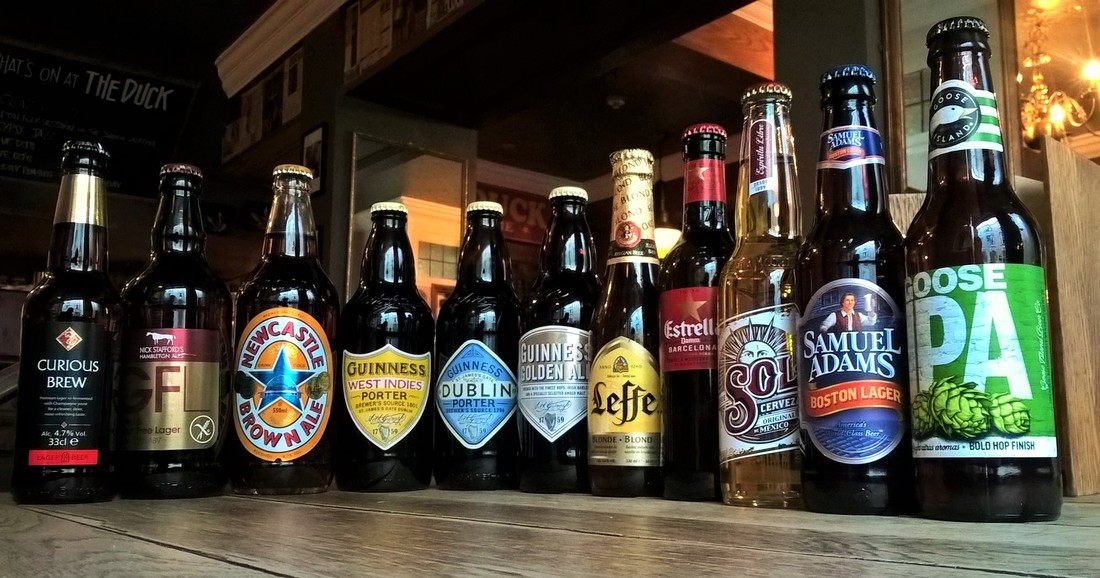
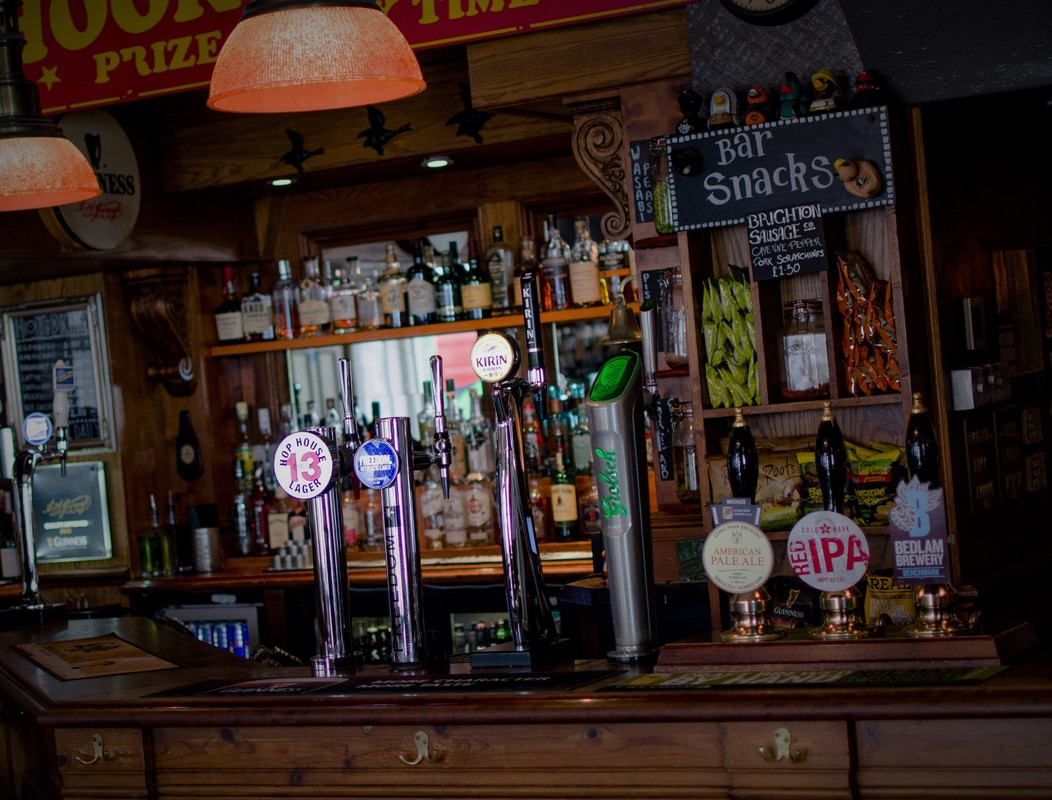
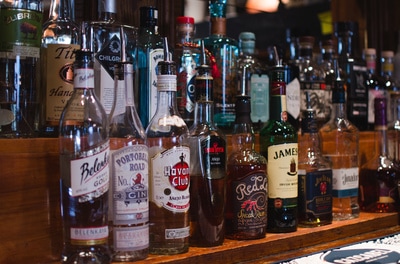
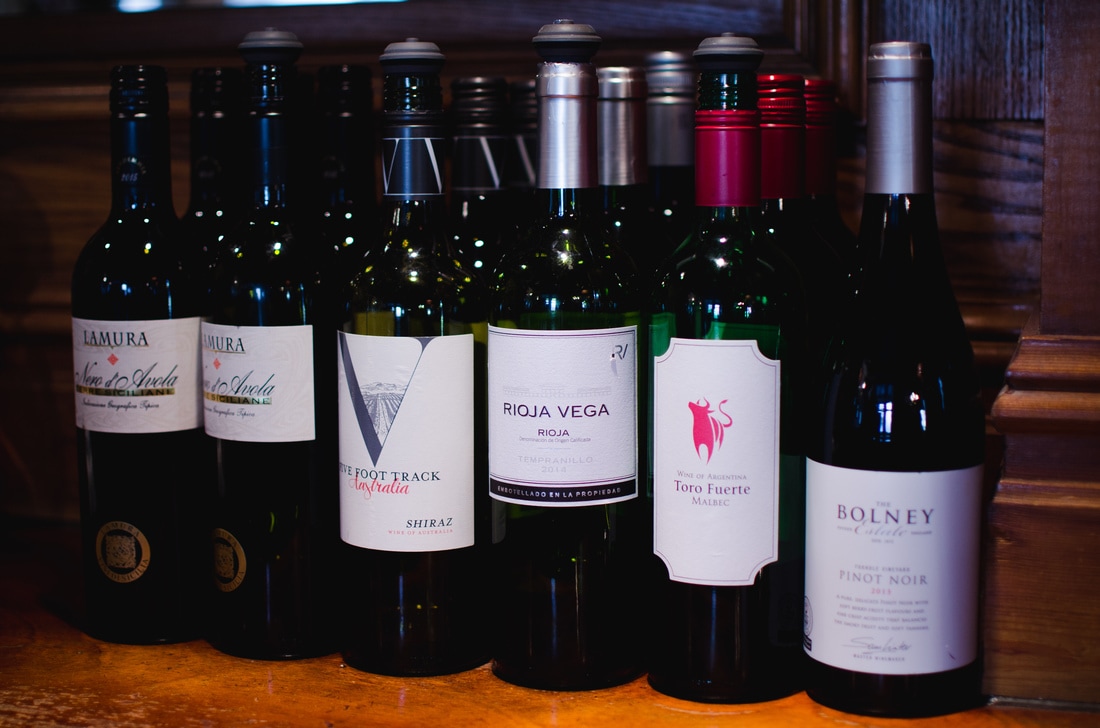
local craft beer, quality wines, authentic Thai dishes and celebrated Sunday roasts |
|
|
A traditional Brighton pub serving
local craft beer, quality wines, authentic Thai dishes and celebrated Sunday roasts |
|
***** "Super friendly staff. Great to see their smiling faces after a hard day at the office. Great live folk music on Wed & Thur. Pub is cozy and definitely worth stopping by. It is my favourite pub in Brighton!" Drew, Google Review
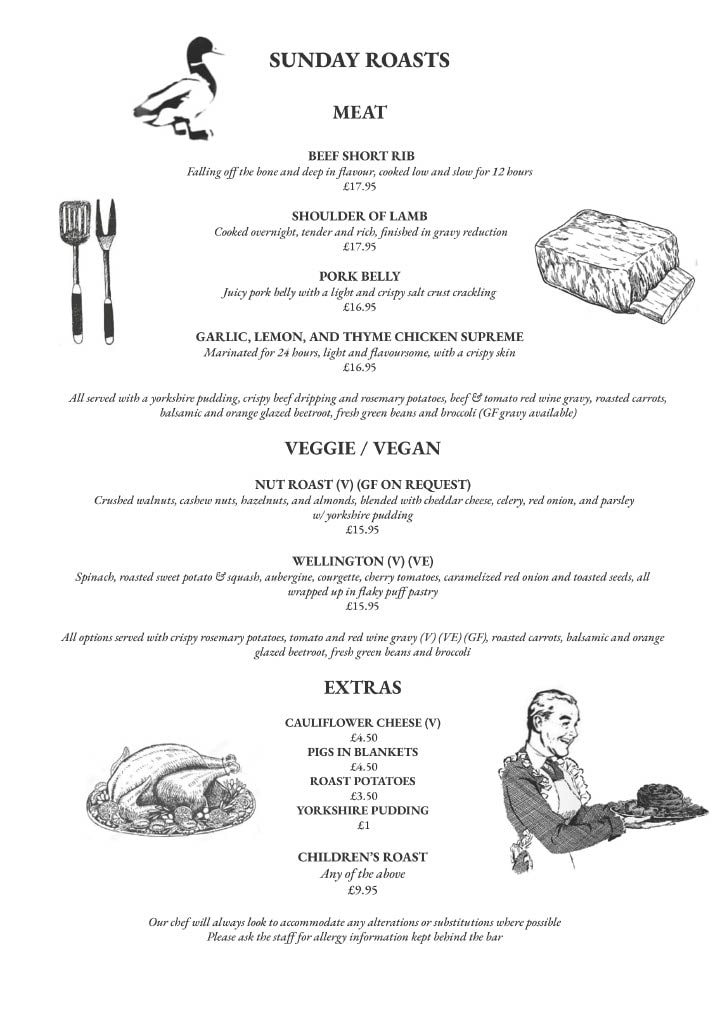
***** "I have lived in Brighton all my life and this is by far the best place for
Sunday roasts in town." Jane, Trip Advisor
***** "This pub has a different activity every evening so worth checking out if you're in the area" Megan, Trip Advisor
|
|
|
***** "Really nice pub, got staff discount using my work pass which I can't complain about! Nice wine... could sit in the whole night."
Emma, Trip Advisor
|
Monday - Friday
12pm-12am |
Saturday
12pm-1am |
Sunday
12pm-11pm |